Straight & Narrow

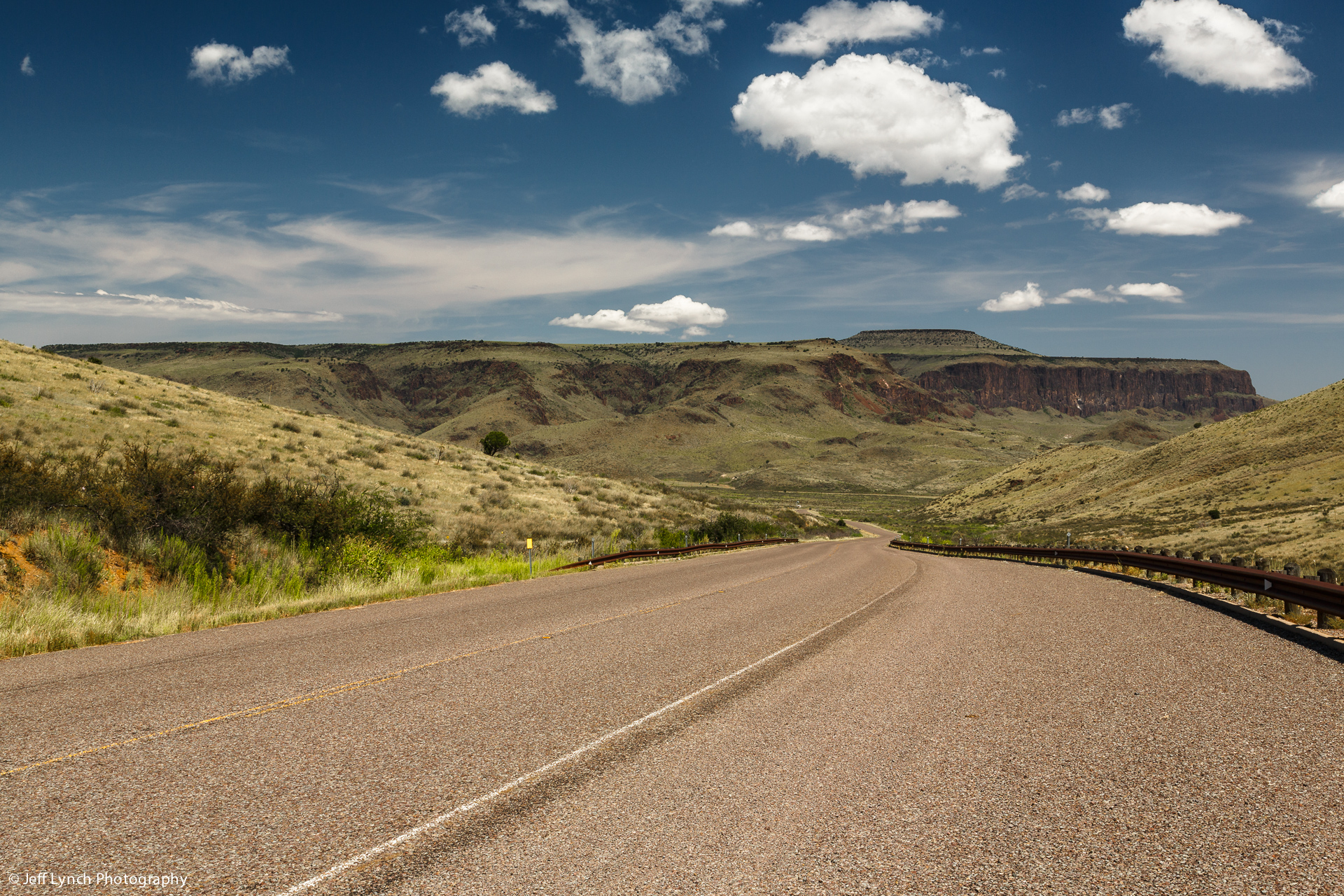
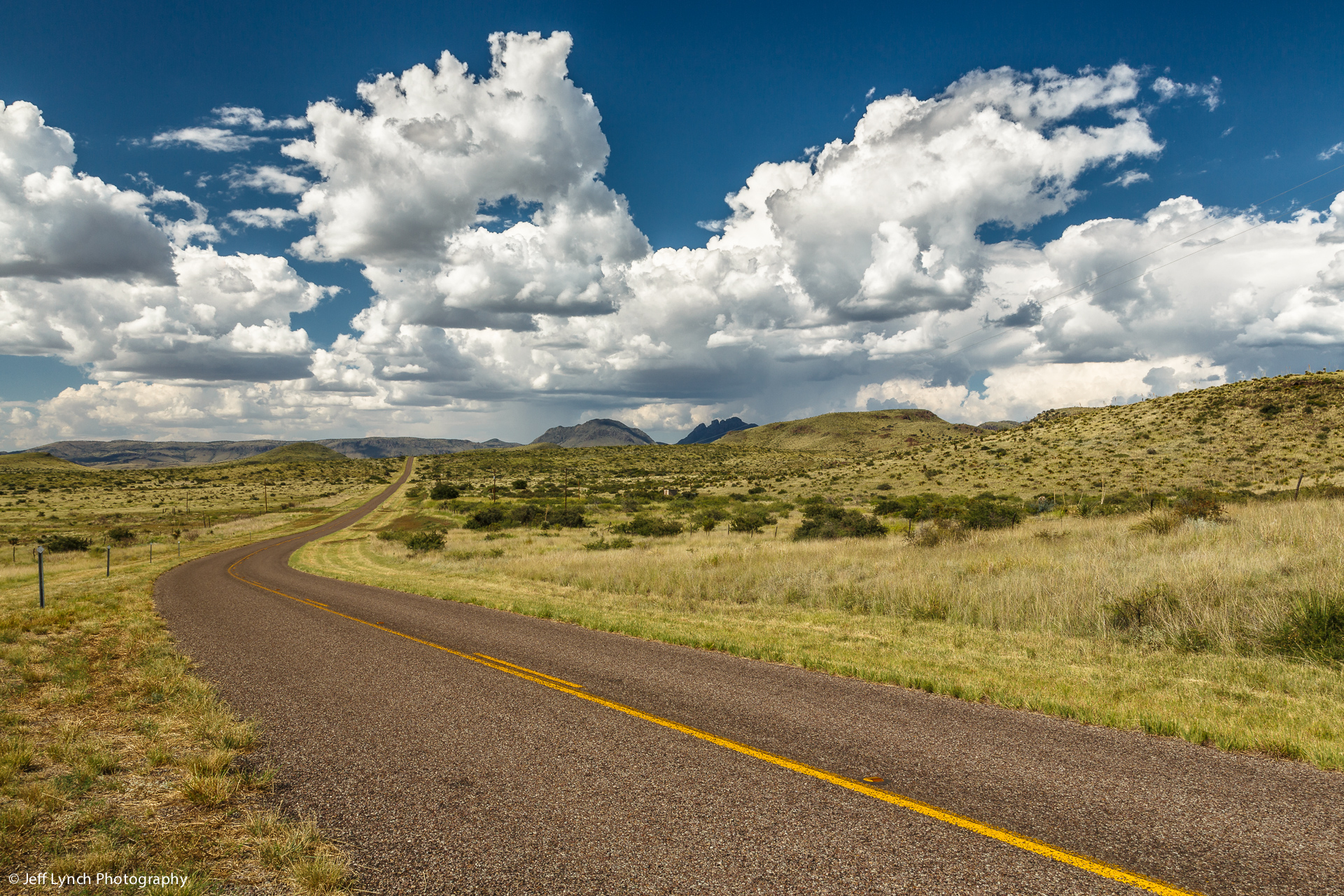
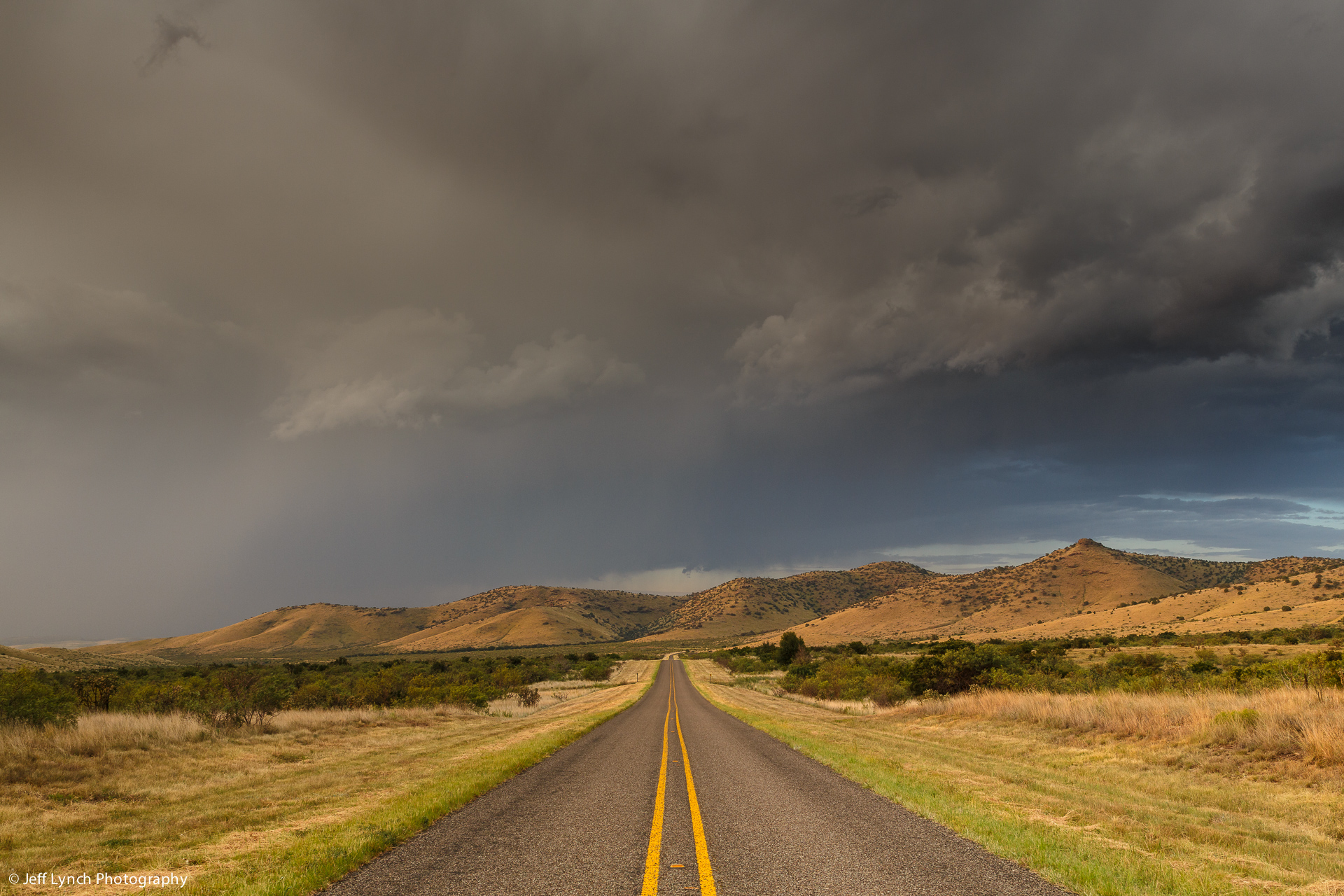
The drive from Canyon, Texas to Palo Duro Canyon State Park is a gorgeous ten miles of straight and narrow county road. Oh, what a view on a quiet, moonlit night!

Straight and Narrow

Straight & Narrow – Canyon, Texas
Copyright © 2013 Jeff Lynch Photography
EOS 5D Mark III w/ GP-E
Shot taken with a Canon EOS 5D Mark III with GP-E2 unit attached, set on aperture (Av) priority using an EF 17-40mm f/4L USM lens and tripod mounted. The exposure was taken at 27mm, f/16 for 1/15th of a second at ISO 100 using a Singh-Ray warming polarizer filter and 2-stop, soft, graduated neutral density filter. Post capture processing was done in Adobe’s Lightroom 4.

Click on the image above for a larger version.

Instagram

Guadalupe Peak & El Capitan

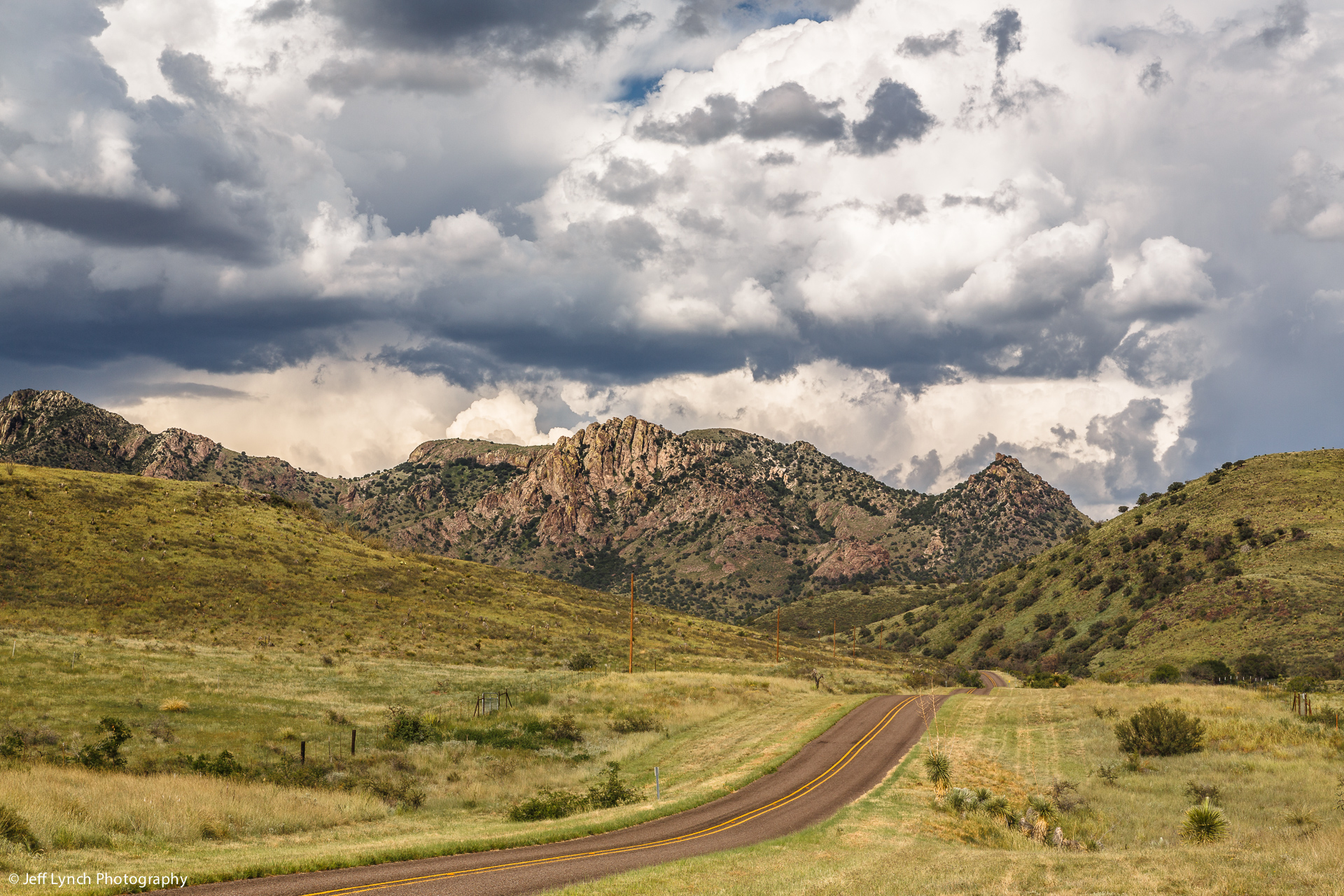
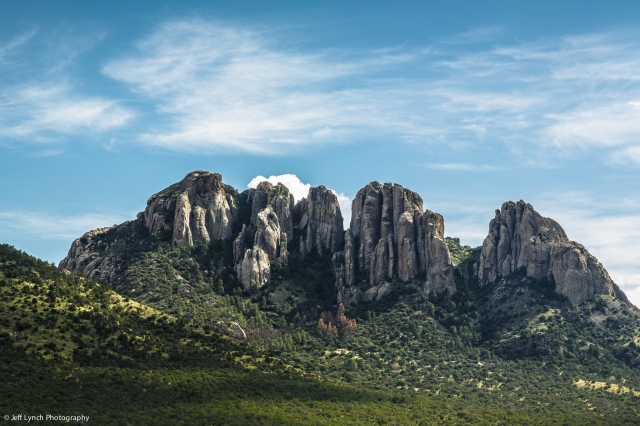
Guadalupe Mountains National Park is the world’s premier example of a fossil reef from the Permian Era. The park is known for its extensive hiking and backpacking opportunities in one of the nation’s most pristine wilderness areas. Birding, history, and many other opportunities to learn and have fun await visitors in this hidden gem of West Texas.

El Capitan and Guadalupe Peak

Oh the Valleys & the Peaks – Guadalupe Mountains National Park, Texas
Copyright © 2013 Jeff Lynch Photography
EOS 5D Mark III w/ GP-E
Shot taken with a Canon EOS 5D Mark III with GP-E2 unit attached, set on aperture (Av) priority using an EF 17-40mm f/4L USM lens and tripod mounted. The exposure was taken at 35mm, f/16 for 1/30th of a second at ISO 100 using a Singh-Ray warming polarizer filter. Post capture processing was done in Adobe’s Lightroom 4.

Click on the image above for a larger version.

Instagram

Camera Support Systems

If you’ve read my previous posts about tripods, then you understand that high quality tripods are sold “bare”, without anything to attach them to your camera. This is where the ballhead and quick-release clamp come in. Good quality ballheads are designed to support heavy loads, move smoothly but lock solidly. Ballheads are easier to use and much more stable than the old fashioned “pan & tilt” tripod heads. Aiming and leveling can be accomplished as one motion, and solid lockup is accomplished with a tightening of only one control. The best designed ballheads also offer variable tension that makes them easy to control. Tripods with ballheads are much easier to pack and carry than pan & tilt heads since they have no long handles to get in the way.

Ball_Head_Blog

But the ballhead is only half the story. The other half is the clamp system which is used to attach your camera to the ballhead. Mounting your camera using the standard ¼”‑20 screw is far too slow and insecure. Instead, many manufacturers adopted the “Arca-Swiss” standard which uses an open-ended dovetail channel with compressing side jaws that grip the mounting plate or bracket attached to the camera. This unique setup provides a quick and easy clamping system that is very solid and secure.

When used in conjunction with an L-Plate designed for your specific camera the quick-release clamp system allows the landscape photographer to quickly switch between shooting horizontally and vertically as shown in the images below.

Quick Release Clamp & Camera L-Plate

Quick Release Clamp with L-Plate

Really Right Stuff
In my opinion the best designed and highest quality ballheads, clamps and camera plates are made by Really Right Stuff, a great little company in California owned and operated by Joe Johnson. The folks at RRS are incredible to work with and their attention to detail in the design and manufacturing of camera support systems is second to none. That’s why you’ll see nine out of ten professionals using RRS gear including guys like Joe McNally, Moose Peterson and Scott Kelby.

The advice I give to any serious amateur is to buy the best tripod and ballhead you can possibly afford and buy them only once.  Really Right Stuff (gotta love that name) gear is expensive folks but worth every single penny. The workmanship is something I’ve only seen in medical devices before and the various parts fit together perfectly, time after time.

I’ve put an RRS L-Plate on every camera I currently shoot with from my 5D mark III to my G10 and can lock them into my BH-40 LR / Gitzo Traveller in just seconds to capture that perfect light at the end of the day. I honestly can’t imagine using any other brand than Really Right Stuff.

Instagram

Workshop Preparation Post #6: Shoot What You Love

The Spring 2013 Texas Landscape Safari is less than a week away and I know the folks that plan to attend are anxious to get out with their cameras after a long and cold winter. So for the next few days I’ll be posting tips to help folks get the most out of their workshop experience.

The first rule of photography that I was taught thirty five years ago was to “shoot what you love”. There is no better piece of advice I can give to an enthusiastic amateur than that. When you truly “love” the subject that you’re photographing, that “feeling” is reflected in the images you capture. Monet painted many different scenes during his career but none stand out nearly as much as those of his beloved garden’s water lilies.

Folks attending photographic workshops are often searching to discover what subjects they connect with the best. For some it’s big game wildlife in Africa, while for others it’s the unique water fowl found in southern Florida. For many younger landscape enthusiasts it’s the majesty of Yosemite or Yellowstone while for others (like myself) it’s the simple, rugged beauty found in the rural areas of Texas.

The key to getting the most out of any workshop (or your own photography in general) is to discover what you love to shoot and make it your goal to learn how to shoot that subject as creatively as possible. Don’t worry about what others in the group are concentrating on. Take a good look around you at each stop and see what catches your eye. If it’s water, shoot the water. If it’s wildflowers, shoot the flowers. If it’s rocks and trees, then explore the rocks and trees with your camera. Approach each new location during the workshop with an open mind, a curious demeanor and a courageous attitude and I promise you’ll soon learn what you “love” to shoot just as I have.

And remember to enjoy yourself out there. We’re all here to learn and have some fun exploring the Texas panhandle together. Learn to shoot what you love and to love what you shoot and I promise you’ll walk away with some great images and some wonderful new friends. But don’t take my word for it; just ask Angel, Darrell or Ralph when you meet them in Canyon, Texas in a few days.

Caprock Canyon in Summer

Caprock Canyon in Summer – Quitaque, Texas
Copyright © 2010 Jeff Lynch Photography
Shot taken with a Canon EOS 5D Mark II set on aperture (Av) priority using an EF 17-40mm f/4L USM lens tripod mounted. The exposure was taken at 40mm, f/16 for 1/40th of a second at ISO 100 using a Singh-Ray warming polarizer and two-stop, soft graduated neutral density filter. Post capture processing was done entirely in Adobe’s Lightroom 3.

Click on the image above for a larger version.

Instagram

Workshop Preparation Post #5: Packing for Landscape Photography

As I’ve posted before, gear selection and packing for a landscape photography trip is a cumbersome task. Each time I set out for a few days or a few weeks I begin by putting together a shoot list and hiking schedule. I also check the weather forecast for the area of Texas I’ll be traveling though and pray for any cold fronts approaching from the north or west. The last thing I want is a cloudless sky.

Packing for Landscape Photography

Pulling together a shoot list is a common enough task for most commercial photographers but I find few landscape or nature shooters that follow this discipline. I like to maximize my time in the field but I can’t carry fifty pounds of cameras and lenses on each hike so a shoot list is essential.

So here is a list of what I pack for a typical landscape outing.

  • Canon 5D Mark III with EF 17-40mm f/4L USM zoom attached.
  • Canon EF 70-200mm f/4L zoom with lens hood.
  • Canon TS-E 24mm f/3.5L II Tilt & Shift Lens.
  • Gitzo Traveller Tripod & RRS Ballhead.
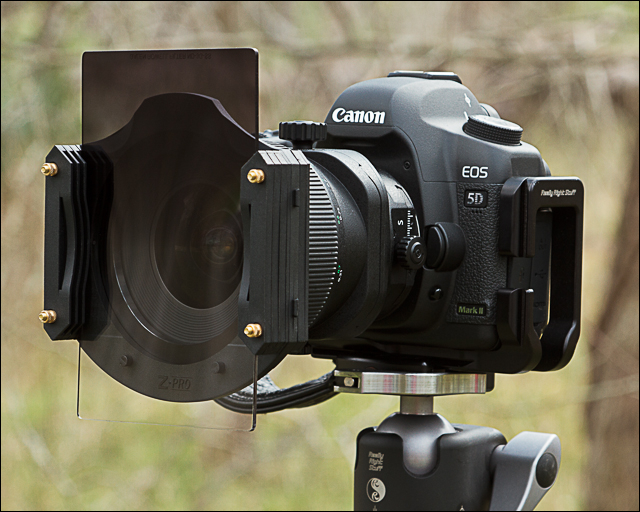
  • Singh-Ray CP, Vari-ND & ND Grad filters.
  • Black Rapid R-Strap & Clips.
  • Bubble level, CF cards, lens cloths.
  • Garmin GPS on one strap.
  • Motorola MR350 Two Way Radio on the other strap.
  • Emergency Thermal Mylar Blanket.
  • Hiker’s First Aid Kit.
  • LED Flashlight & Hunting Knife.
  • Emergency Bail-Out Rope.
  • Water, typically three 24oz bottles.
  • Trail Snacks (for energy).

This much gear weighs in a little under 20 lbs and fits comfortably in my pack. The nice thing is, the weight decreases during the hike as I consume my water supply and trail snacks. I caution folks about carrying too much weight in their packs. I’ve done these hikes and climbs several times in the past few years and every extra ounce of weight you carry takes that much more energy. When you’re out shooting in nature, the last thing you need to be thinking about is how sore your lower back is from lugging around all that gear.

In fact, during my spring workshop (Texas Landscape Safari) I may carry only one lens (24-105mm) on my 5D3 and a few filters in my pockets. I load my pack up with as much water as I can carry along with some apples for energy. One thing I tell all my attendees; if it’s a choice between a lens or a bottle of water, always take the water. The Texas sun can be a relentless companion and folks that don’t respect its strength soon find themselves dehydrated and exhausted. Not a great combination for a budding landscape photographer during a workshop.

Workshop Preparation Post #4: Use a Ball Head

When you buy a good quality tripod, you get just the tripod legs (even though it’s called a tripod). A good quality ballhead can make all the difference in capturing great looking landscape or nature images. A ballhead will let you quickly and easily adjust where your camera is pointed and how it is oriented (horizontal or vertical). Its also the most secure means to hold that expensive DSLR and lens you’ve just paid good money for.

rrs_bh40_blog

The folks at Really Right Stuff make the best ballheads and arca-swiss style clamps I’ve ever used and the unit shown above is their BH-40 LR (BH-40 head with B2-40 LR clamp). It fits perfectly on my Gitzo tripod legs and keeps my Canon 5D Mark III secure and stable when taking landscape shots. It’s a great ballhead for basic pano shots as well.

Instagram

Workshop Preparation Post #3: Tripods

Lake LBJ Overlook

Lake LBJ Overlook – Kingsland, Texas
Copyright © 2009 Jeff Lynch Photography
Shot taken with a Canon EOS 5D Mark II set on aperture (Av) priority using an EF 24-105mm f/4L IS USM lens tripod mounted. The exposure was taken at 32mm, f/11 for 1/6th of a second at ISO 100 using a Singh-Ray warming polarizer and two-stop, soft graduated neutral density filter. Post capture processing was done entirely in Adobe’s Lightroom 3.

Click on the image above for a larger version.

As many of you know this spring’s Texas Landscape Safari is scheduled for later next month (April 21st – 24th, 2013) and I thought I’d help folks get ready by discussing some “tools of the trade” used by every landscape photographer. So over the next three weeks I’ll be posting images of the gear I use along with some shots made possible by this gear. Honestly, it’s just plain fun to “geek out” over gear every once in a while.

Tripod Legs in ActionThe single most important piece of photographic gear you’ll ever purchase (after your camera and lens) is a set of light-weight, good quality tripod legs. A good tripod can make the difference between a shot that “looks” sharp on the camera’s LCD and one that “is” tack sharp when printed at 24″ × 36″. Remember, the number one cause of soft images isn’t poor focus, it’s camera movement.

Click on the image above and look at the crisp detail of the rocks and trees compared to the silky smooth look of the water. Getting this type of shot required a 1/6th second exposure in the late evening and the slightest camera movement would have completely ruined the image.

Good quality tripod legs are not cheap and you can expect to pay somewhere between $300 – $800 (USD) depending upon the materials of construction, size and weight. I currently use two different set of tripod legs these days; one for studio & on-location work (Gitzo GT2541 Mountaineer) and one for hiking (Gitzo GT1541T Traveller). Both are constructed from carbon fiber making them very light-weight but extremely strong and durable.

I’m an unabashed believer in Gitzo tripods (probably the only French product I’ve ever bought) and highly recommend them to any photographer. Both of my tripod legs have seen the extremes of heat, humidity, mud, sand, gravel and just plain dirt and they work as well now as the first day I bought them. You may buy four or five cameras over your lifetime as a landscape photographer but you’ll only need one Gitzo tripod!

Instagram

Workshop Preparation Post #2: Flying Straight & Level

In landscape photography its the little things that count. One of the most important aspects of creating a well composed landscape image is knowing where “level” is. This is especially true when your background is hilly or mountainous. We use our sense of “level” so much every day that a person will look at an image on the web or in print and instinctively know if it’s not perfectly level.

Nikon's Virtual HorizonFinding the perfect “level” has always been fairly easy for Nikon shooters since inclusion of a Virtual Horizon in the D3, D300 and D700 firmware and now owners of Canon’s EOS 7D or 5D Mark III have the same thing.

Before you run out and buy a new camera, there is a simple answer that works for all of us. The folks at Adorama sell a great little Hot Shoe Bubble Level 337 made by Manfrotto that takes all the guesswork out of finding a perfect “level” in our landscape images. For $34.00 it’s an inexpensive tool that every landscape photographer should carry with them in the field and it’s a required accessory during the Texas Landscape Safari. (Note: Adorama now sells their own Hot Shoe Bubble Level for only $5.95. Hard to Beat That)

Hot Shoe Bubble Level

Hot Shoe Bubble Level
Copyright © 2008 Jeff Lynch Photography
Shots taken with a Canon Powershot G9 hand-held at 30mm, f/4.0 for 1/320th of a second at ISO 200 on SanDisk digital film. All post capture processing was done in Lightroom 2.